Shopify Redesign, Rebuild or Migration? How to Choose the Right Project
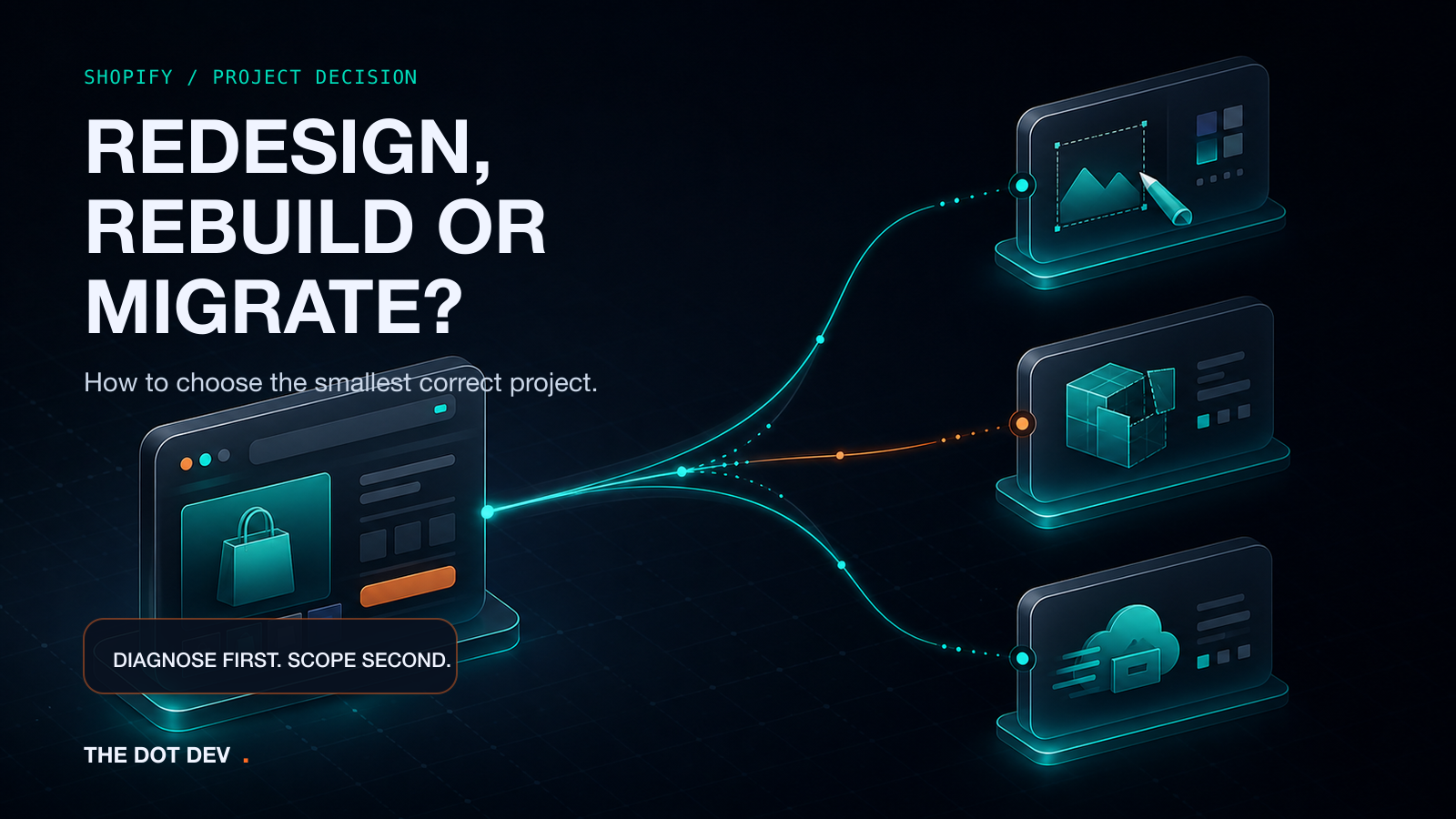
A store can feel wrong long before the project scope becomes clear.
Perhaps customers struggle to find products. Mobile pages feel crowded. The theme is difficult to update. Apps overlap. Important content sits in the wrong place. Or the current platform is becoming a constraint on how the business sells and operates.
At that point, it is tempting to jump straight to a label:
“We need a redesign.”
“We should rebuild it.”
“Let’s move everything to Shopify.”
The label sounds decisive, but it can be an expensive place to start. A visual problem does not automatically require a new foundation. A structural problem will not disappear with new colours and homepage sections. A migration introduces data and operational work that is easy to underestimate when the conversation begins with appearance alone.
The better question is: what is failing, what must stay, and what must change?
Redesign, rebuild or migration: the quick decision
These are practical project categories, not rigid Shopify definitions. An agency may name the work differently after reviewing the store.
| Project path | Usually fits when | The important question |
|---|---|---|
| Redesign | The store remains on Shopify and the current foundation is workable, but the customer journey, presentation or content hierarchy needs improvement. | Can the existing theme and app setup support the experience the business needs? |
| Rebuild | The store remains on Shopify, but the theme, custom code, architecture or accumulated workarounds make meaningful improvement difficult to maintain. | Is extending the current foundation safer and clearer than replacing it? |
| Migration | The business is moving to Shopify from another platform and must transfer or recreate data, content, settings and operational connections. | What must move, what can be retired, and what must be rebuilt or reconfigured? |
The smallest correct project is not always the smallest amount of work. It is the smallest scope that addresses the actual constraint without creating avoidable risk elsewhere.
When a Shopify redesign may be enough
A redesign makes sense when the store's foundation still works but the experience needs a clearer direction.
Signals can include:
- customers struggle to understand the product range or move between collections;
- product pages bury important information;
- mobile layouts make comparison, selection or navigation harder than necessary;
- the brand has changed but the storefront has not caught up;
- content hierarchy and calls to action are inconsistent;
- useful theme features exist but are poorly configured or presented;
- the business can manage the current theme and apps without fragile workarounds.
In this path, the store stays on Shopify and may keep its current theme, depending on what the theme can support. The project can focus on information architecture, templates, sections, content presentation, navigation and the steps customers take before checkout.
That does not mean changing the live theme without protection. Shopify recommends duplicating a theme before customisation so changes can be made on the duplicate and discarded or revised if needed. A theme duplicate is not a complete backup of products, collections, menus, pages or other store content, so the project still needs a clear content and data plan.
When the store needs a deeper rebuild
A rebuild is more likely when the problem sits inside the foundation rather than on top of it.
Shopify themes control the organisation, features and style of the storefront. Their architecture can include layouts, templates, sections, blocks, snippets, settings, scripts and other supporting assets. Over time, a store may collect custom code, duplicated templates, app injections and one-off fixes that make changes difficult to predict or maintain.
Signals that deserve a rebuild conversation include:
- the desired customer journey cannot be supported cleanly by the current theme;
- the theme is outdated, unsupported or heavily modified without clear documentation;
- several apps or scripts perform overlapping jobs;
- ordinary merchandising changes require developer intervention;
- templates and sections have become inconsistent across products or collections;
- custom code creates recurring regressions or blocks necessary theme updates;
- the business needs a more maintainable set of reusable templates and sections.
A rebuild does not mean every part of the store must be discarded. Products, content, settings and working integrations may remain. The point is to decide deliberately which foundation, templates and customisations should carry forward.
It also does not guarantee a particular performance score, conversion result or launch condition. Those outcomes depend on the exact store, content, apps, integrations, traffic, testing and operational decisions.
When migration is the real project
Migration applies when a business is moving to Shopify from another ecommerce platform. It is not simply a redesign with a different login screen.
Shopify's migration guidance asks merchants to decide what content and data should move and how each type should be transferred. Depending on the store, that can include:
- products, variants, images and collections;
- customer records;
- historical orders;
- gift cards, certificates or store credits;
- pages, policies, blogs and articles;
- domains and URL redirects;
- shipping, taxes and payment providers;
- apps, feeds and operational integrations;
- markets, currencies or subscription requirements;
- checkout, fulfilment and test orders.
The amount and complexity of the data affects the method. A small number of pages may be recreated manually. A large catalogue or connected order history may need CSV imports, migration apps, APIs or a custom process. Shopify also notes that import order matters when products, customers and historical orders need to remain connected.
Migration planning should therefore answer two questions before design begins:
- What must arrive in Shopify accurately?
- What should not be carried into the new store simply because it existed in the old one?
The second question matters. A migration can preserve useful history, but it can also reproduce clutter, duplicate content and outdated operational decisions if everything is transferred without review.
Inventory the store before asking for scope
An agency can give a more useful answer when the brief describes the current system, not only the desired appearance.
Prepare the following inventory.
1. Current platform, theme and storefront
Share the current URL, platform and theme. Note whether the theme is licensed, supported and updated, and whether there is a safe duplicate or development version for testing.
List the templates that matter most: homepage, collections, product pages, search, cart, content pages and any specialised landing pages.
2. Catalogue and business data
Record approximate product and variant complexity, collections, product media, customer records, historical orders, gift cards and any data that must remain connected.
Do not assume every data type can move through the same method.
3. Content and URLs
List pages, policies, blog content, navigation, metadata and URLs that must be retained, rewritten, redirected or retired.
If URLs change, map old URLs to their relevant new destinations and include redirects in the migration plan. Google recommends server-side permanent redirects for site moves and warns against sending many old URLs to one irrelevant destination.
4. Apps, integrations and custom code
List every app and integration, what business job it performs, who owns the account, and whether the business still needs it.
Include subscriptions, reviews, loyalty, search, feeds, email, analytics, fulfilment, accounting, customer service and any custom API connection. Note where the current theme contains custom Liquid, CSS or JavaScript.
5. Markets, subscriptions and operations
Document countries, currencies, languages, locations, tax and shipping rules, subscription products, payment providers, fulfilment processes and sales channels.
These are not finishing touches. They affect what the store must support and what needs to be tested before launch.
6. The customer-journey problem
Describe the observed problem without prescribing the solution.
For example:
- “Customers cannot compare the options clearly on mobile.”
- “The team cannot create a new collection landing page without code.”
- “Our subscription and one-time purchase information is confusing.”
- “We are moving from WooCommerce and need to preserve products, customers and relevant order history.”
That gives the agency something concrete to diagnose.
Questions to take into an agency conversation
Use these questions to test whether the proposed scope matches the store:
- Which problems can be solved within the current theme?
- What evidence suggests the foundation needs replacing?
- Which data, content and URLs are included in the project?
- Which apps and integrations will remain, change or be removed?
- Where will design and theme changes be tested before they affect the live store?
- What must the merchant supply—content, product data, access, licences or decisions?
- What is explicitly outside the scope?
- How will product, checkout, payment, shipping, tax, market and subscription paths be tested where relevant?
- What rollback or recovery options exist for theme changes and migration steps?
- Which assumptions could change the scope after discovery?
- How will timing and price be confirmed once the scope, dependencies and current capacity are known?
Good scoping should make the boundaries easier to see. It should not hide uncertainty behind a fixed label.
Choose the diagnosis before the deliverables
A redesign, rebuild and migration can all be valid Shopify projects. The mistake is deciding which one you need before anyone has inspected the store's foundation, customer journey and operational dependencies.
Start with the current URL. Name the problem. Inventory the systems that must keep working. Then choose the smallest project that can address the real constraint.
The Dot Dev can review an existing store, redesign requirement or migration brief and help define the Shopify project that should be discussed.
Led by Usama Aziz, The Dot Dev combines a human office team with named AI-supported specialist roles. The Dot Dev was founded in 2009, building on Usama Aziz’s web-development work dating back to 2004–2005. The company has operated from Lahore since 2012. Our operating standard is exceptional service and the best possible work we can deliver for the agreed scope.
Sources
- Shopify: Checklist for migrating your online store, accessed 14 July 2026.
- Shopify: Migrate to Shopify, accessed 14 July 2026.
- Shopify: Duplicating themes, accessed 14 July 2026.
- Shopify developer documentation: Theme architecture, accessed 14 July 2026.
- Shopify: Website Redesign SEO: How To Preserve Organic Traffic, published 10 March 2026; accessed 14 July 2026. Used as redesign-risk background only; no traffic estimate or recovery outcome is carried into this draft.
- Shopify: Shopify SEO Migration: How To Preserve Organic Traffic, published 28 January 2026; accessed 14 July 2026. Used as migration-risk background only; no traffic estimate or recovery outcome is carried into this draft.
- Google Search Central: How to move a site, last updated 17 June 2026; accessed 14 July 2026.
- Google Search Central: Redirects and Google Search, last updated 14 April 2026; accessed 14 July 2026.
Hello, human.
Have a project in mind?
Start with the messy version. We’ll turn it into a clear plan,
timeline, and fixed‑price proposal.